Okay, real talk. I almost lost it all last year.
My main computer crashed. No big deal, I thought. I’m smart. I have a backup. I grabbed my external hard drive from the shelf in my office.
It was dead. Totally unresponsive.
Turns out, I’d left it plugged into the wall. A power surge during a thunderstorm the week before had fried it through the power adapter. I lost six months of client work, family photos, everything. I had to pay a data recovery service over $1,500 to get most of it back.
I felt like an idiot. I’d done the hard part—I was actually making backups!—but I failed at the simple part: where to put the darn thing.
So let’s cut the nonsense. You don’t need a tech degree to store a hard drive. You just need some common sense, and I’m going to give you the no-BS guide I wish I’d had.
Stop Treating Your Backup Like a Paperweight
That hard drive isn’t a gadget. It’s a photo album, a filing cabinet, and a safe all in one. Would you leave your wedding album in a damp basement? Or your passport on a sunny windowsill? No. So stop doing it with your data.
Here’s what will ruin your day:
- Leaving it plugged in: My fatal mistake. A surge protector isn’t enough. If it’s not backing up, unplug it from the power AND the computer.
- The “Convenient” Spot: On top of the computer? Bad. The heat from your computer’s exhaust is slowly cooking it. In a desk drawer? Dusty and prone to getting knocked around.
- The Garage or Basement: The temperature swings in my garage are insane. From freezing in winter to a sauna in summer. Electronics hate that. Humidity causes corrosion. It’s a death sentence.
- The “I’ll just put it here for now” spot: You know the one. The junk drawer. The pile of mail on the counter. Where it’s vulnerable to spilled drinks, curious pets, or just getting lost.
The 5-Minute “Get Your Life Together” Plan
This is what I do now. It’s not perfect, but it’s a million times better than what I was doing.
- Buy two identical drives: I know, extra cost. But it’s the single best thing you can do. I’ll call them Drive A and Drive B.
- Back up to Drive A: Do your thing. Use Time Machine, File History, whatever. Just get your files onto it.
- Safely eject it: Don’t just pull the plug. Right-click the drive on your computer and hit “Eject.” This is crucial.
- Put it in a box: The original box is perfect. No box? A small plastic storage container from the dollar store works. Toss in one of those silica gel packets you get from a new pair of shoes to absorb moisture.
- Get it out of your house: This is the key. Drive A does not live with you. It goes to your office, your parents’ house, your best friend’s place. Anywhere that isn’t here.
Drive B? That’s your “oops, I deleted a file” drive. You can keep that one handy. But Drive A is your disaster recovery drive. It’s for when your house floods or someone steals your computer.
Where My Storage Units Come In
Look, taking a drive to your mom’s is a good start. But is her house climate-controlled? Is it secure? Probably not.
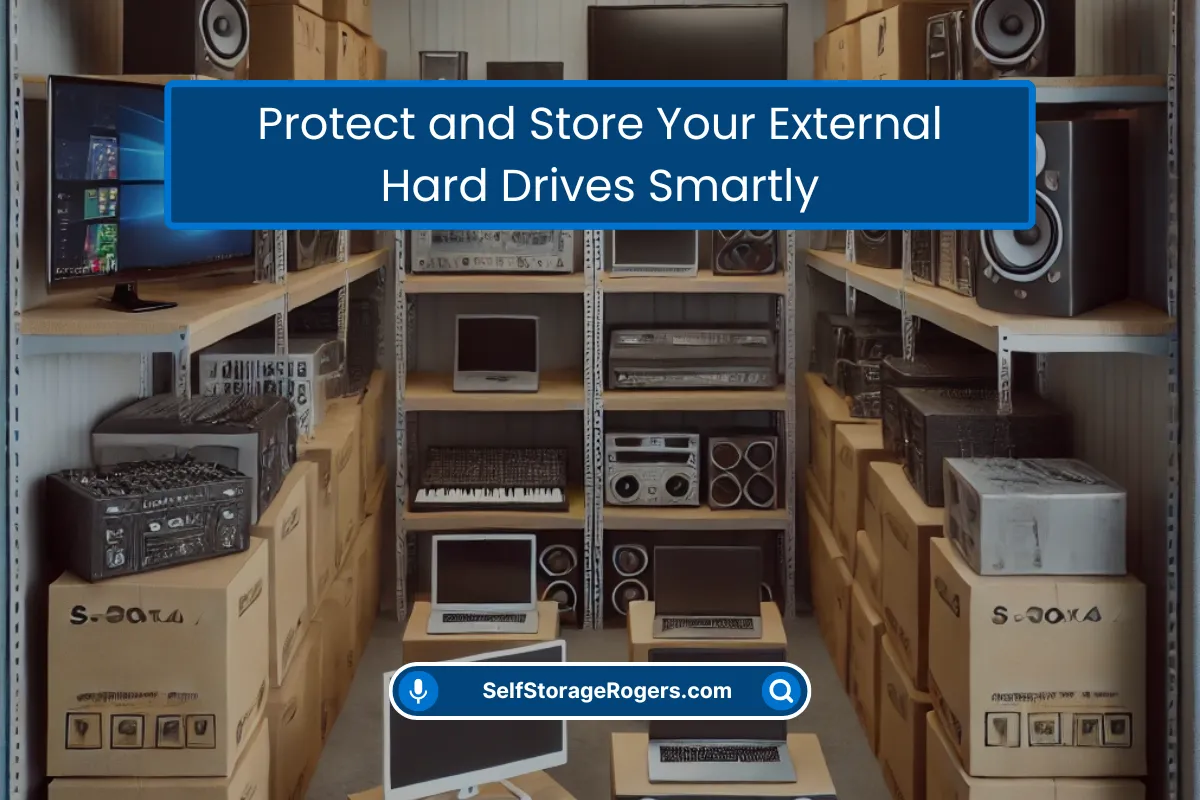
After my disaster, I realized I needed a real solution. Not just another person’s closet. I needed a place that was dry, secure, and wouldn’t turn my backups into a baked potato in the summer.
That’s the whole reason I got into the storage business. I literally needed a place to keep my own stuff safe. So when you rent one of our small, climate-controlled units, you’re not just renting space. You’re buying a designated, safe home for your digital life. It’s the ultimate “out of the house” location. I use one for my own Drive A. I sleep better at night knowing it’s there.
The routine is simple: I swap Drive A and Drive B once a month. I take the one from the unit, bring it home, update it, and take it back. The whole trip takes me 20 minutes.
Don’t be like me. Don’t learn this lesson the hard, expensive way. That little drive on your shelf is everything. Start treating it that way.







0 Comments